Sometimes you need a break. A vacation. A personal day. Or time to heal.
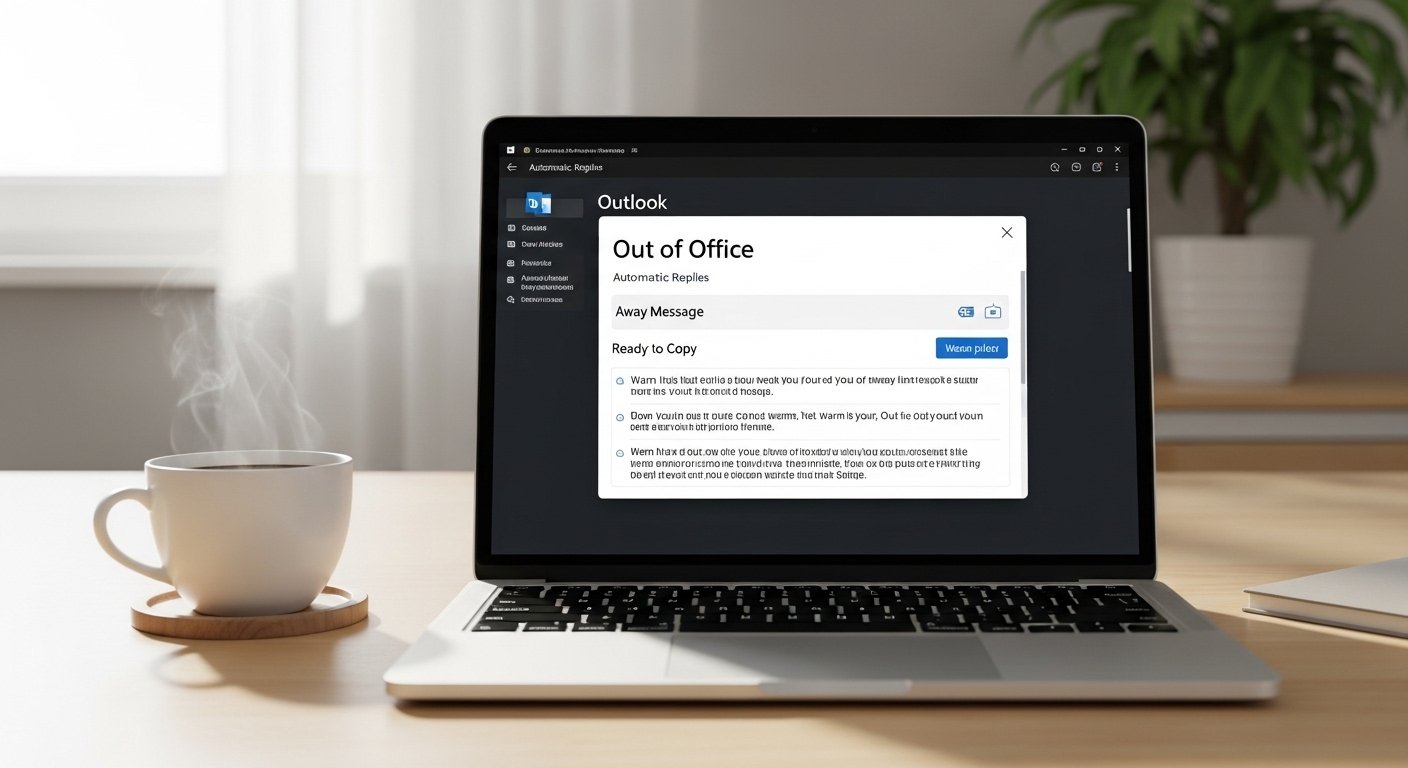
If you’re searching for how to set up away message in Outlook, you’re likely feeling busy, overwhelmed, or preparing to step away for something important. You want your message to sound warm. Professional. Maybe even a little personal. But finding the right words can be hard.
Here’s the good news. This guide will show you how to set up away message in Outlook quickly and easily. And more than that, it will give you ready to send away messages you can copy, paste, and personalize.
If you’re leaving for vacation, maternity leave, medical recovery, holidays, or simply taking time to rest, your out of office reply should reflect care, clarity, and kindness.
When words fail, we’re here to help you express the right tone.
Let’s start with the message ideas then you can set them up in Outlook in minutes.
Vacation Away Messages
When you step away for vacation, you want to sound relaxed but still professional. Your message should reassure people while setting clear expectations.
Here are warm, friendly vacation auto-replies you can use after learning how to set up away message in Outlook.
- Message: Thank you for your email. I am currently on vacation and will return on [date]. I will respond as soon as possible.
- Message: I’m away enjoying some time off. I’ll be back on [date] and will reply then.
- Message: I am out of the office until [date]. Thank you for your patience.
- Message: I’m currently away recharging and will return refreshed on [date].
- Message: Thanks for reaching out. I’m on leave and will respond when I return.
- Message: I’m away from email until [date]. For urgent matters, please contact [name].
- Message: I’m taking a short break and will be back soon. I appreciate your understanding.
- Message: I am offline until [date]. Looking forward to connecting when I’m back.
- Message: I’m out of the office but will reply as soon as I return.
- Message: Thank you for your message. I’m currently away and will respond after [date].
Medical Leave Away Messages
In tough times, you may need privacy and space. Your away message can be simple and respectful without sharing too much.
Here’s how to express professionalism and grace.
- Message: I am currently on medical leave and will return on [date].
- Message: Thank you for your email. I am out for health reasons and will respond when I return.
- Message: I’m temporarily away from work and will reply as soon as possible.
- Message: I am on leave and will have limited access to email.
- Message: I appreciate your understanding during this time. I will respond after [date].
- Message: I am currently unavailable and will return soon.
- Message: Thank you for your patience while I am out.
- Message: I’m taking time off for personal health and will reconnect soon.
- Message: I am away and will respond when I am able.
- Message: I am currently out of office. Thank you for your understanding.
Maternity or Paternity Leave Messages
Welcoming a child is a beautiful and life-changing moment. Your message can reflect joy while staying professional.
- Message: I am on parental leave until [date]. I look forward to reconnecting then.
- Message: I’m away welcoming a new addition to my family. Back on [date].
- Message: I’m currently on maternity leave and will return soon.
- Message: Thank you for your message. I’m on family leave until [date].
- Message: I’m out of the office enjoying precious family time.
- Message: I will respond upon returning from parental leave.
- Message: I’m away caring for my newborn and will return on [date].
- Message: I’m currently on leave and will reply when I’m back.
- Message: Thank you for your patience during this special time.
- Message: I’m on paternity leave and will reconnect after [date].
Holiday Away Messages
During holidays, warmth matters. A little cheer can brighten someone’s inbox.
- Message: Happy holidays! I’m away and will return on [date].
- Message: Wishing you joy and peace this season. I’ll reply after [date].
- Message: I’m out celebrating the holidays and will reconnect soon.
- Message: Season’s greetings! I’ll be back on [date].
- Message: Warm wishes to you. I’m currently out of office.
- Message: I’m taking time to celebrate with loved ones. Back soon.
- Message: Happy New Year! I’ll respond when I return.
- Message: I’m away for the holidays. Thank you for your understanding.
- Message: Sending festive cheer while I’m out of the office.
- Message: I’ll reply after the holiday break. Stay well!
Short and Simple Away Messages
Sometimes less is more. If you want clarity and speed, these are perfect.
- Message: I am out of the office until [date].
- Message: I’ll respond when I return.
- Message: Away until [date]. Thank you.
- Message: Currently unavailable. Back soon.
- Message: I’ll reply as soon as possible.
- Message: Out of office. Limited email access.
- Message: Away from email today.
- Message: I’ll reconnect shortly.
- Message: Thank you for your message.
- Message: Back on [date].
Professional Corporate Away Messages
In formal settings, tone matters. You want confidence and clarity.
- Message: Thank you for your email. I am currently out of the office until [date].
- Message: I will return on [date] and respond promptly.
- Message: For urgent matters, please contact [name].
- Message: I am unavailable and will respond upon my return.
- Message: I appreciate your patience during my absence.
- Message: I am out of the office with limited access to email.
- Message: I will address your message after [date].
- Message: Please expect a delayed response.
- Message: I am currently away and will reply soon.
- Message: Thank you for your understanding.
Funny Away Messages
A little humor can make someone smile.
- Message: I’m out of the office pretending not to check email.
- Message: Currently away. Probably near coffee.
- Message: I’m on vacation and ignoring emails responsibly.
- Message: Out of office. Send snacks.
- Message: I’ll reply once I remember my password.
- Message: Away and loving it.
- Message: I’ve temporarily escaped my inbox.
- Message: Currently recharging my human battery.
- Message: Out of office. Back before you miss me.
- Message: Email me again after [date]!
Emergency Contact Away Messages
Clear direction helps others in urgent moments.
- Message: I am away. For urgent issues, contact [name] at [email].
- Message: Please reach out to [department] for immediate help.
- Message: I will return on [date]. Urgent matters: [contact].
- Message: For time-sensitive issues, please call [number].
- Message: I am unavailable. Please contact my colleague.
- Message: Immediate assistance is available at [email].
- Message: I’ll respond after [date]. For emergencies, contact [name].
- Message: Thank you. Urgent matters should be redirected.
- Message: I’m offline. Please contact support.
- Message: I’ll return soon. Please reach out to my team.
Work From Home Away Messages
When working remotely but unavailable, clarity matters.
- Message: I am working remotely with limited availability today.
- Message: I will respond after my scheduled hours.
- Message: Currently offline but will reply soon.
- Message: I’m working from home and may respond slower than usual.
- Message: I’m unavailable at this time.
- Message: I’ll reconnect during business hours.
- Message: Thank you for your patience.
- Message: Limited access to email today.
- Message: I will follow up shortly.
- Message: Available again on [date].
Permanent Departure Messages
When leaving a company, your message can show gratitude and closure.
- Message: I am no longer with the company. Please contact [name].
- Message: Thank you for working with me.
- Message: I’ve moved on to a new opportunity.
- Message: Please redirect inquiries to [email].
- Message: It’s been a pleasure working together.
- Message: I appreciate the time we shared.
- Message: I wish you continued success.
- Message: For future assistance, contact [team].
- Message: Thank you and best wishes.
- Message: Goodbye and take care.
How to Set Up Away Message in Outlook (Quick Steps)
Now that you’ve chosen your message, here’s how to set up away message in Outlook:
- Open Outlook.
- Click File.
- Select Automatic Replies.
- Choose “Send automatic replies.”
- Set your date range.
- Paste your chosen message.
- Click OK.
That’s it. You now know exactly how to set up away message in Outlook in minutes.
FAQs
How do I schedule automatic replies in Outlook?
Go to File Automatic Replies Set time range Add message Save.
Can I set different messages for internal and external emails?
Yes. Outlook allows separate messages.
Can I edit my away message later?
Yes. Simply return to Automatic Replies and update it.
Does Outlook send replies to every email?
It sends one reply per sender during your set period.
Conclusion
Learning how to set up away message in Outlook is more than a technical task. It’s about communication. It’s about respect. It’s about leaving your inbox with clarity and kindness.
If you’re stepping away for joy, rest, healing, or change, your away message reflects you. Use these examples. Personalize them. Make them warm. Make them professional. Make them yours.
In busy seasons and quiet ones, the right words matter.
And now, you know exactly how to set up away message in Outlook and what to say when you do.
If you found these helpful, explore our [professional thank you messages].
Want more inspiration? Read our [heartfelt appreciation messages]

